


Running a WordPress site in 2025 takes more than a good design. Your site needs to be quick and secure, while also maintaining simplicity for visitors. That’s where plugins come in! They’re essential for keeping everything running smoothly.
Before we dive into the 10 must-have plugins this year, let’s quickly look at why they matter. In short, the right plugins cover everything from performance and SEO to security and growth. Additionally, a skilled Chicago web design agency often selects these specific tools to ensure every site they build delivers a seamless and high-performing experience for visitors right from the start.
Performance & SEO: Keep your site fast and visible in search results.
Security & Stability: Protect your site and back it up easily.
Conversion & Engagement: Capture leads and keep visitors coming back.
Modern Site Creation: Use AI tools to build and manage sites faster.
So, what are the 10 plugins you should have on your WordPress site in 2025? Let’s go through them one by one.
1. Yoast SEO (or Rank Math)
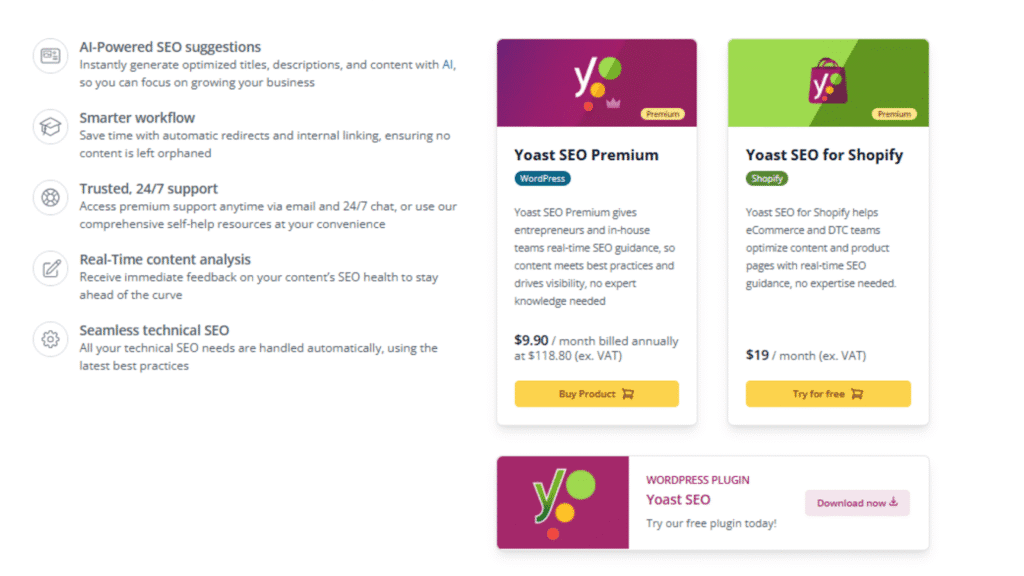
If you’ve been running a website for a while, you already know how crucial SEO is. For WordPress users, Yoast SEO has long been the go-to plugin, and for good reason.
It helps you fine-tune your content so search engines actually understand it. You can get recommendations on how to optimize your titles, meta descriptions, and keywords.
Yoast also checks your content’s readability, making sure your posts aren’t too hard to follow. And if you’re aiming for rich results in Google (like FAQs or reviews), it can handle schema markup without you touching a single line of code.
Meanwhile, Rank Math is another strong alternative to Yoast. It has a cleaner interface and more advanced features for free, which is why some users are switching over.
Either way, having an SEO plugin is non-negotiable in 2025. It’s the difference between publishing a post that just sits there and one that actually shows up when people are searching for it.
2. WP Rocket

Nobody likes a slow website. Visitors don’t, and neither does Google. A few seconds of delay is often all it takes for someone to click away.
That’s why site speed is such a big deal, and WP Rocket is one of the easiest ways to boost it. Unlike some caching plugins that come with complicated settings, WP Rocket is beginner-friendly.
Once installed, it automatically handles page caching, file compression, and lazy loading for images. You can get faster loading times without having to dig into technical details.
The plugin also comes with options to fine-tune performance even further, like database cleanup and CDN integration. For anyone serious about SEO and user experience, WP Rocket is an investment that pays off quickly.
3. Sucuri (or Jetpack Security)

Website security isn’t something you can afford to ignore. Cyberattacks are more common than ever, and even small sites are targets. Sucuri is one of the most trusted security plugins available. It offers a firewall to block threats, malware scanning, and regular alerts, so you know if something suspicious is happening.
If you prefer an all-in-one solution, Jetpack Security is another solid choice. It combines backups, brute force attack protection, and downtime monitoring into one package, which makes it especially convenient for beginners.
Whichever you choose, a security plugin is like having insurance for your website. You hope you’ll never need it, but when something does go wrong, you’ll be glad it’s there.
4. WPForms (or Everest Forms)
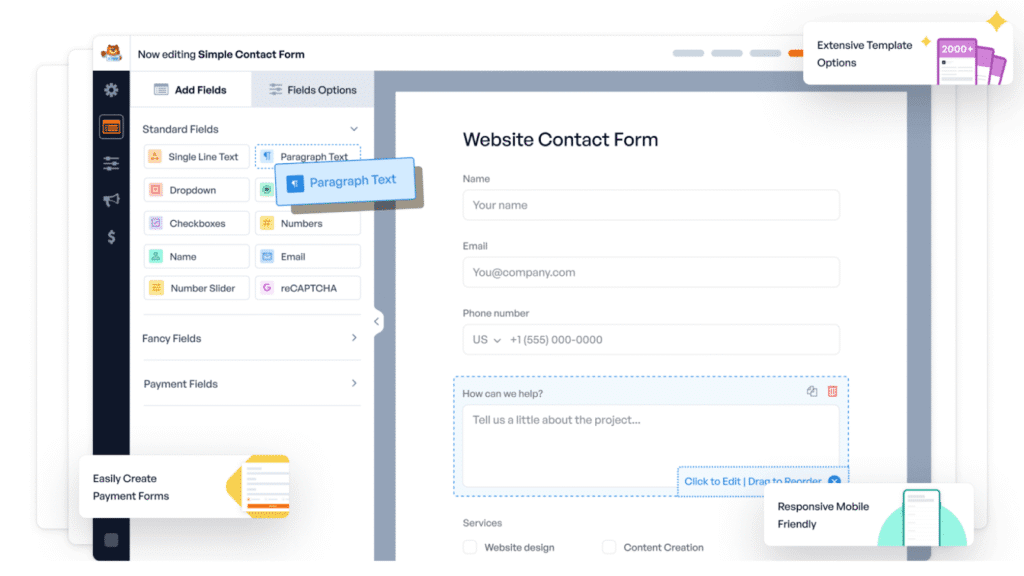
Every website needs forms, which can range from a simple contact page to a newsletter sign-up or a survey. WPForms makes building them super straightforward.
Its drag-and-drop editor means you don’t have to touch code. You just pick the fields you want and arrange them the way you like.
What makes WPForms stand out is how versatile it is. You can create anything from a quick “get in touch” form to advanced payment forms that connect with PayPal or Stripe. It’s also mobile-friendly, so your forms look good on any device.
Another strong option is Everest Forms, especially if you’re after a clean design and responsive layouts. Both plugins focus on making forms easy for you to create and easy for your visitors to fill out, which is really what matters most.
5. Backup Plugin (Duplicator, Solid Backups, or Jetpack)
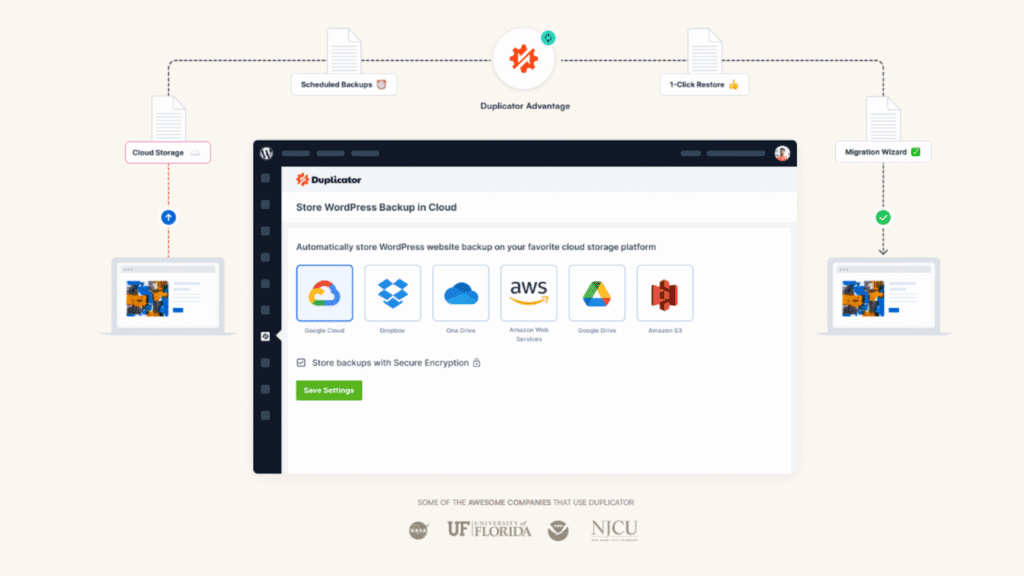
If your site went down tomorrow, how much would you lose? That’s the question a good backup plugin solves. Having reliable backups means you can restore your site quickly if something goes wrong, whether it’s a hack, a bad update, or just human error.
Duplicator is a popular choice because it not only backs up your site but also makes it easy to clone or migrate to a new host. Solid Backups (formerly BackupBuddy) is another trusted option with scheduling features, so your backups run automatically.
And if you’re already using Jetpack, its backup feature gives you a convenient all-in-one solution. This way, a backup plugin acts as your safety net. You may not need it often, but the day you do, you’ll be glad it’s there.
6. Akismet
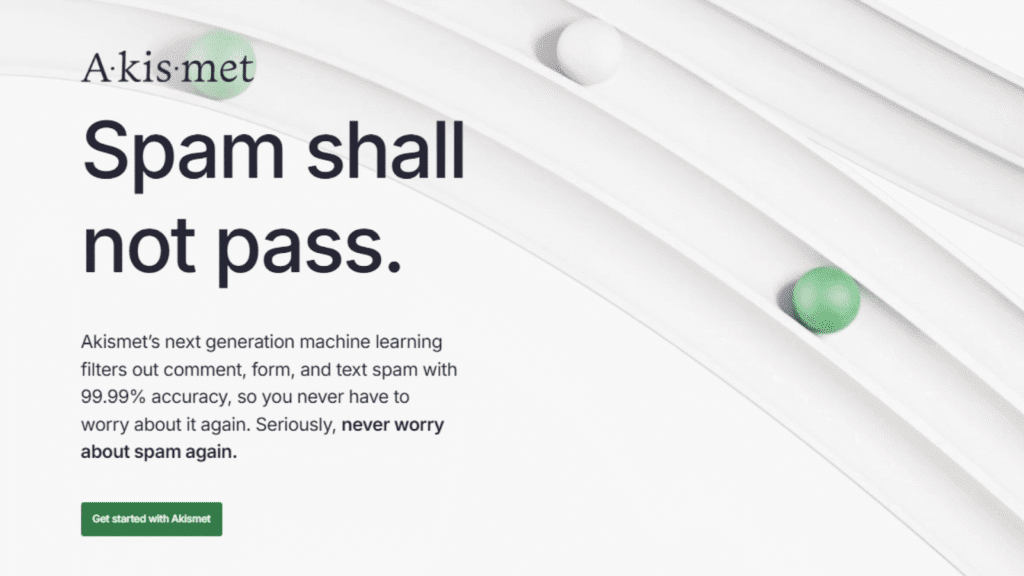
Spam comments can quickly take over your site if you don’t keep them in check. Akismet has been the go-to plugin for years because it filters out spam automatically.
Instead of sifting through hundreds of sketchy comments, you only see the legitimate ones. It works quietly in the background, using a massive global database to spot spam before it clutters up your posts.
Your site stays cleaner, your comment section looks professional, and you don’t waste time deleting junk manually. Akismet isn’t flashy, but it’s one of those “set it and forget it” tools, so running a WordPress site is a whole lot easier.
7. OptinMonster (or PushEngage / RafflePress)
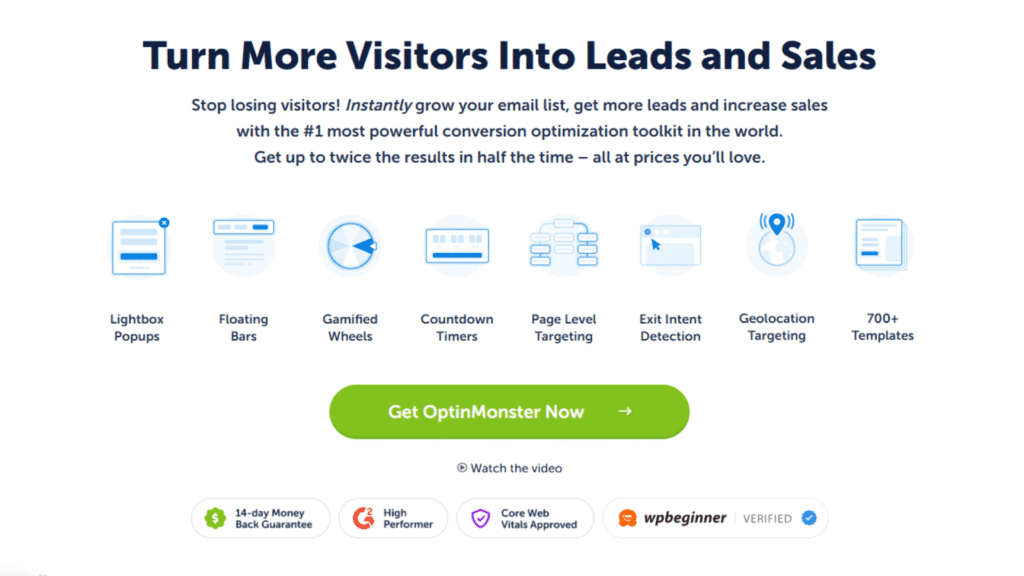
Getting people to your site is one story, and getting them to stay or come back is another one. To keep visitors coming back, engagement plugins like OptinMonster, PushEngage, and RafflePress are more than needed.
OptinMonster helps you improve email marketing by growing your email list with popups, slide-ins, video content, and other attention-grabbing forms that don’t feel too pushy if used right.
PushEngage lets you send push notifications straight to your visitors’ browsers, which is perfect for updates, sales, or new posts.
RafflePress makes running giveaways easy, helping you grow followers and create buzz around your brand.
Each one focuses on conversions and engagement, which makes them valuable if you’re looking to turn casual visitors into long-term fans.
8. All-in-One SEO (AIOSEO)

If Yoast and Rank Math aren’t your style, All-in-One SEO (AIOSEO) is another excellent option. True to its name, it packs everything you need into one plugin: XML sitemaps, schema support, meta title and description controls, and even tools for local SEO.
What’s nice about AIOSEO is its beginner-friendly setup wizard. You don’t have to know much about SEO to get started. It walks you through the process step by step.
But it also has enough advanced features to satisfy power users who want more control. In short, AIOSEO is a reliable choice if you want an all-in-one toolkit for boosting your search rankings.
9. WooCommerce
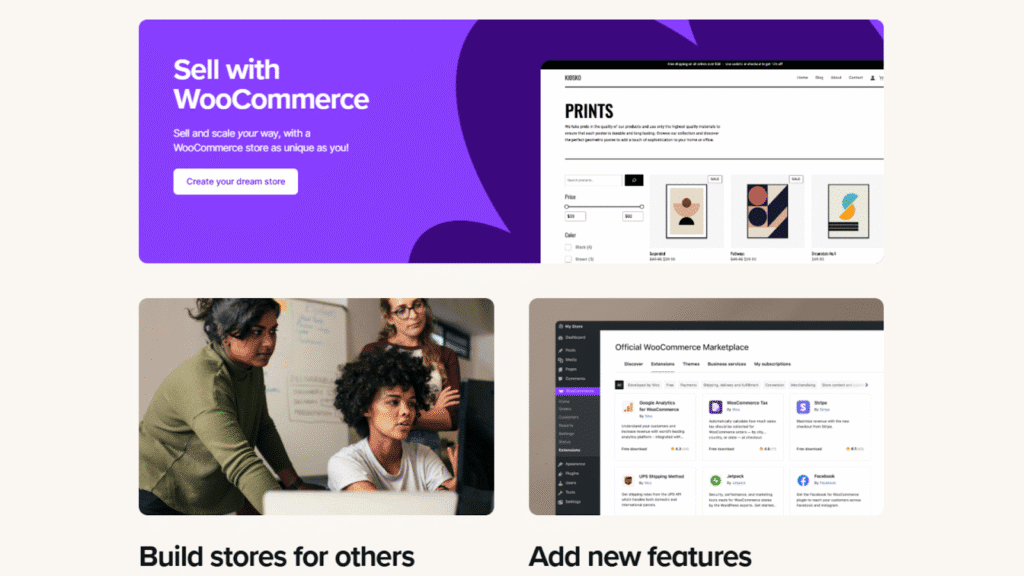
If you plan on selling anything online, whether it’s physical products, digital downloads, or even subscriptions, WooCommerce is the plugin you need. It essentially turns your WordPress site into a full-fledged online store.
WooCommerce is highly customizable. You can add payment gateways, manage shipping, create product variations, and even integrate with marketing tools.
Plus, there’s a massive library of extensions if you need extra features like memberships or booking systems. It’s free to get started, but it’s powerful enough to run large-scale stores too. For e-commerce on WordPress, nothing else comes close.
10. 10Web AI Website Builder (new GenAI tool)

AI is finding its way into almost everything in 2025, and WordPress is no exception. The 10Web AI Website Builder is a newer plugin that helps you create or customize your site using AI.
The idea is simple. Instead of manually building every page, you can chat with the AI to generate layouts, content blocks, and even WooCommerce-ready store designs.
It’s especially helpful if you’re short on time or not super technical. While it’s not a replacement for good design or strategy, it can speed up the setup process dramatically. It takes care of the groundwork so you can focus on the details that matter.
Wrapping Up: Choosing the Best One for You
At the end of the day, not every plugin on this list has to live on your WordPress site. You don’t need every tool at once, just the right ones for the job. Running an online store? WooCommerce is a no-brainer. Want to grow your email list? OptinMonster might be your best friend.
The real trick is balance. If you load up on too many plugins, your site slows down, but if you skip the essentials, you leave yourself open to missed opportunities (or even security risks). So, start with the must-haves (SEO, speed, security, and backups) and then layer on extras depending on your goals.

