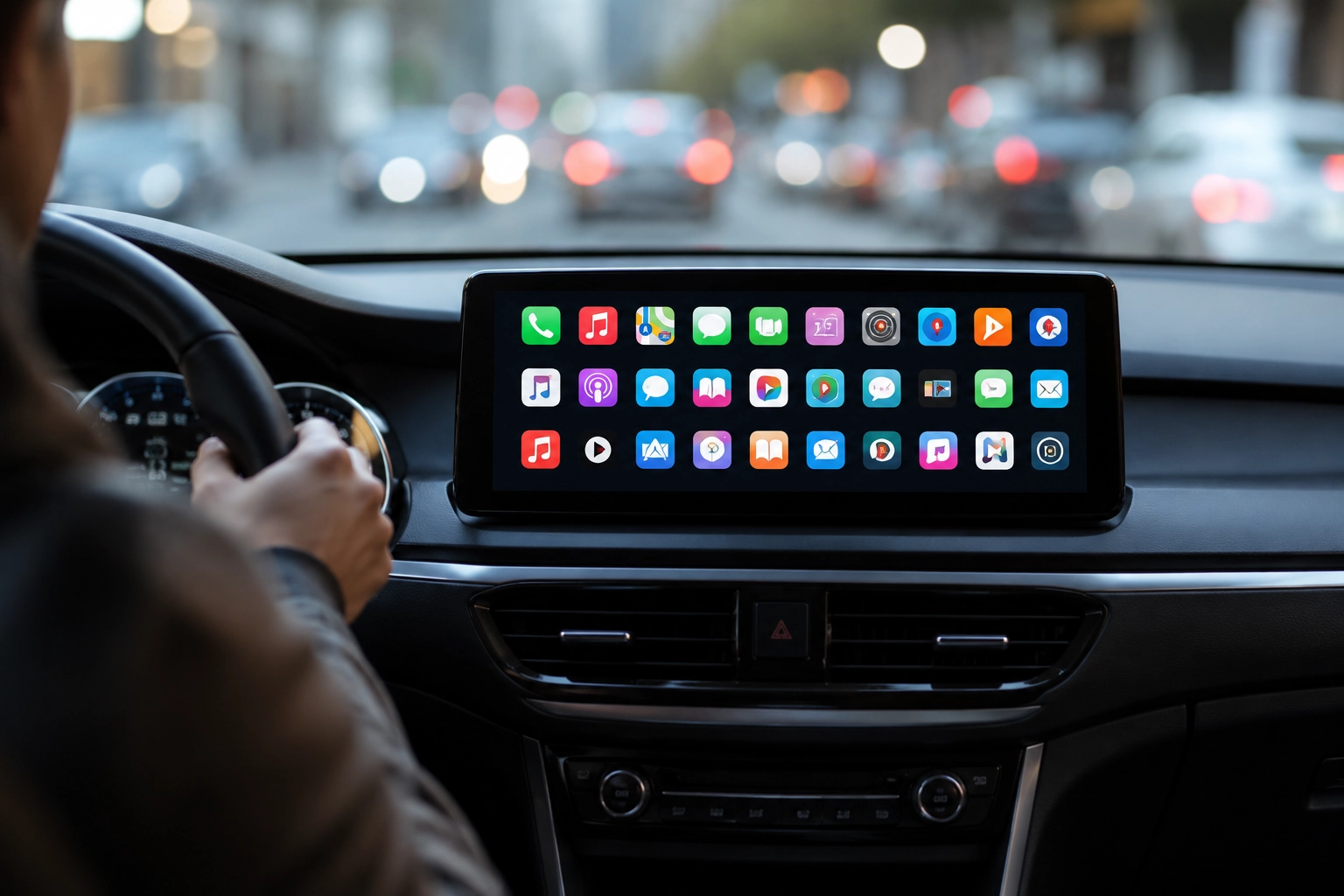

Apple CarPlay serves as a highly practical integration tool, seamlessly projecting communication and entertainment applications from an iPhone directly onto a vehicle’s built-in dashboard screen. To get started, users simply need to install supported applications on their mobile devices – once connected, compatible CarPlay programs typically populate the car’s console display automatically.
For an entire decade, the evolution of CarPlay-compatible software has been closely monitored and documented. The comprehensive breakdown provided below showcases over 120 specialized apps, meticulously organized across more than a dozen distinct functional categories.
Apple Proprietary Applications
Apple’s native system tools are tailored to cover vital driving necessities, such as hands-free calling, navigation, messaging, audio playback, and scheduling. Every application in this core suite features a highly streamlined interface specifically optimized to prevent distractions and keep the driver’s focus on the road.
- Phone: Allows managing calls, dialing contacts, viewing missed calls, and listening to voicemail via Siri commands or vehicle controls.
- Music: Offers full access to songs, playlists, albums, and radio stations through Siri or direct display interaction, supporting playback controls like shuffle and repeat.
- Maps: Provides voice-guided turn-by-turn directions, real-time traffic details, and ETA tracking, with options to report road incidents or add quick stops.
- Messages: Enables hands-free texting by reading unread chats aloud and accepting dictated replies or Tapback reactions, while prioritizing voice interface over reading text.
- News: Functions strictly as an audio service, delivering curated daily audio briefs from Apple News Today and spoken versions of Apple News+ articles.
- Podcasts: Grants seamless access to recently updated or saved episodes, allowing drivers to skip 30 seconds, rewind 15 seconds, and tweak playback speed.
- Audiobooks (Apple Books): Brings a user’s literature library directly to the dashboard, allowing quick controls through steering wheel buttons or the screen.
- Calendar: Displays upcoming events and schedules on a compact dashboard layout, providing quick-tap options to navigate to a location or dial into a meeting.
- Settings: Allows users to modify CarPlay aesthetics and behavior, including wallpapers, color themes, Driving Focus mode, and Siri interactions.
Integrated System Features
Features like the Dashboard, Now Playing screen, on-screen Widgets, and Live Activities are not standalone applications but rather built-in system-level components. These integral features assist in unifying the driving experience through the following built-in tools:
- Now Playing: Acts as a universal control center displaying currently active audio from any first- or third-party app, granting instant access to playback tools.
- Dashboard: Serves as a centralized command center that displays map navigation, active media playback, Siri cues, and context-dependent calendar alerts simultaneously.
- Widgets: Offer glanceable bits of information from connected iPhone apps alongside the main screen layout, even if those apps lack a dedicated CarPlay interface.
- Live Activities: Automatically present real-time tracking data on the console, such as current delivery status, transit routes, or active sports scores.
Artificial Intelligence Assistants
Artificial intelligence integrations within CarPlay prioritize voice-only interactions to ensure maximum safety on the road, relying on spoken prompts and auditory answers instead of visual chat interfaces. Mainstream options focus on delivering streamlined voice communication while keeping screen graphics minimal to avoid driver distraction.
- ChatGPT
- Grok
- Perplexity
Audiobooks and Narrated Media

This segment covers everything from full-length literature and brief summaries to public library loans and voice synthesis for saved web articles. The ecosystem features various platforms designed for rapid playback resumption, simple controls, and seamless syncing with personal catalogs.
- Audible
- Audiobooks.com
- Blinkist
- BookPlayer
- Everand
- Google Play Books
- Hoopla
- Instapaper
- Kobo Books
- Libby, library app
Driver Communication Services
To maintain road safety, communication apps restrict their CarPlay features strictly to hands-free voice calls and automated messaging options. Traditional smartphone features like video streaming, chat scrolling, or screen sharing are entirely disabled, meaning popular platforms rely entirely on audio commands and voice alerts.
- Google Meet
- LINE
- Microsoft Teams
- Telegram Messenger
- Webex Meetings / Webex
- Zoom Workplace
EV Charging Fuel and Parking
Drivers can avoid handling their iPhones while driving thanks to utility apps that assist in locating fuel stations, electric vehicle chargers, and parking spots. While actual payment configurations and detailed account settings must be handled beforehand on the phone, the vehicle interface displays real-time availability, maps, and rapid action shortcuts.
- ChargePoint
- Chargeway
- Chevron
- EasyPark
- Electrify America
- FLO EV Charging
- PlugShare
- SpotHero
- Texaco
- Walmart Fuel
Food Ordering and Pickup
Rather than letting users scroll through entire menus, food ordering software for cars focuses on quick-reordering functions and status updates. Drivers can pull up previous orders, check on pickup instructions, and locate nearby dining locations, keeping complex setup operations strictly on the handheld device.
- Caribou Coffee
- Chick-fil-A
- Domino’s Pizza
- Dunkin’
- Panera Bread
Music and Audio Streaming Platforms
Representing the most expansive software category on CarPlay, music apps extend far beyond Apple’s default offering to include premium networks, web radio, local file managers, and niche audio programs. Each individual platform has the autonomy to determine which specific playlists, saved folders, and browsing tabs are accessible on the car’s screen.
- Amazon Music
- Apple Music Classical
- Audiomack
- Bandcamp
- Berlin Philharmonic
- Blanket
- Broadcasts
- Deezer Music
- Doppler
- LITT Live Radio
- LiveOne Music
- Mixcloud
- myTuner Radio
- Nintendo Music
- Pandora
- Plexamp
- Qobuz
- Radio DJ
- SiriusXM Radio
- SongCapsule
- SoundCloud
- Spotify
- Suno
- Tidal
- VLC
- VOX
- YouTube Music
- Zeno Radio
Advanced Navigation and GPS Tools
Third-party mapping software can easily replace Apple’s native program to handle dashboard-guided route planning. From daily commuting and EV trip planning to niche off-road navigation and commercial trucking guidance, a diverse range of mapping solutions provides customized driving aids depending on regions and subscription tiers.
- ABRP (A Better Routeplanner)
- ETA
- Google Maps
- HERE WeGo Maps & Navigation
- inRoute
- Lyft Driver
- MapQuest
- My Porsche
- NAVER Map
- onX Backroad: Trail GPS
- onX Fish: Midwest Fishing Maps
- onX Hunt: GPS Hunting Maps
- onX Offroad: Trail Maps & GPS
- Radarbot
- Rever Motorcycle GPS & rides
- Roads by Porsche
- Sygic GPS Navigation & Maps
- TomTom GO Expert
- TroutRoutes: Fly Fishing Maps
- Trucker Path
- Uber Driver
- Waze
News and Sports Audio Broadcasting
Information-focused and athletic media apps adapt to the dashboard by offering strictly audio-based coverage instead of on-screen text. Listeners can tune into live broadcasts, podcast summaries, and real-time athletic commentary, with specific content availability depending heavily on user subscriptions and local licensing.
- Audacy
- Buffalo Bills
- Bloomberg
- CNBC
- Chicago Bears
- FOX News
- MLB
- NBA
- NHL
- NPR
- New Orleans Saints
- The New York Times
- Police Scanner, Radio & Fire
- The Economist
- TuneIn Radio
Real-Time Weather Tracking
Meteorological services adapt their interfaces to deliver immediate, glanceable weather updates along a traveler’s route. These programs act as supplementary visual layers rather than replacing primary navigation setups, giving drivers insight into impending precipitation, hazards, and temperature changes.
- CARROT Weather
- MyRadar Weather Radar
- Weather Navigation for Car!
- Weather on the Way
Specialized Podcast Managers
Dedicated audio managers help streamline file navigation, playback speed customization, queue organization, and skip options inside the cabin. While some platforms focus exclusively on spoken-word series, others combine podcasts with radio networks, with each system presenting its library layout uniquely.
- Breaker
- Castbox
- Castro
- Downcast
- iHeartRadio
- Overcast
- Pocket Casts
In-Car Video Playback
Engaging with video content on the dashboard requires iOS 27, a compatible third-party application, and a vehicle that supports this capability. To prioritize safety, video playback remains strictly restricted and can only be activated while the car is fully parked.
- Apple TV
- Third-party video playback on CarPlay requires iOS 27.
Home Automation and Utility Helpers
A diverse category of utilities showcases how far CarPlay has grown beyond simple mapping and media options. Rather than trying to mirror entire mobile applications, these tools concentrate on providing quick, location-sensitive actions – such as managing RV electronics, locking home doors, checking car diagnostics, or finding credit card perks at nearby retail spots.
- Airstream RVs
- Alarm.com
- CardPointers
- Home Assistant
- HomeButtons for HomeKit
- HomeLink
- Kwikset
- OBD Fusion
- Target
CarPlay Application Frequently Asked Questions
How can I install, add, or rearrange applications on the CarPlay display?
To add compatible services, download the desired app from the iPhone App Store – it should automatically populate your dashboard layout upon the next connection. While parked, users can organize their screen by navigating to Settings – General – CarPlay – select your vehicle – Customize on their iPhone, which enables adding, hiding, or shifting app icons around, though certain pre-installed system apps cannot be removed.
What is the reason a downloaded app fails to show up on CarPlay?
Verify that the program is properly installed, updated on your iPhone, and has not been deactivated under the CarPlay customization menu. It is also worth noting that only services with dedicated CarPlay support display standard icons – others may only exist as background widgets or Live Activities.
What defines the differences between a CarPlay app, a widget, and Live Activities?
A standard CarPlay application features a dedicated home screen icon and an interface specifically optimized for active driving. A widget delivers condensed info directly next to the primary dashboard view and may support quick touch-screen taps, whereas Live Activities automatically pop up on the display to provide real-time tracking of orders or trip metrics. Both widgets and Live Activities can function independently even if the parent iOS app lacks a traditional CarPlay screen interface.
Is it possible to view Apple TV or other video streams on the screen?
This feature is available exclusively in vehicles that specifically support Apple’s video playback system and can only be accessed while the car remains fully parked.