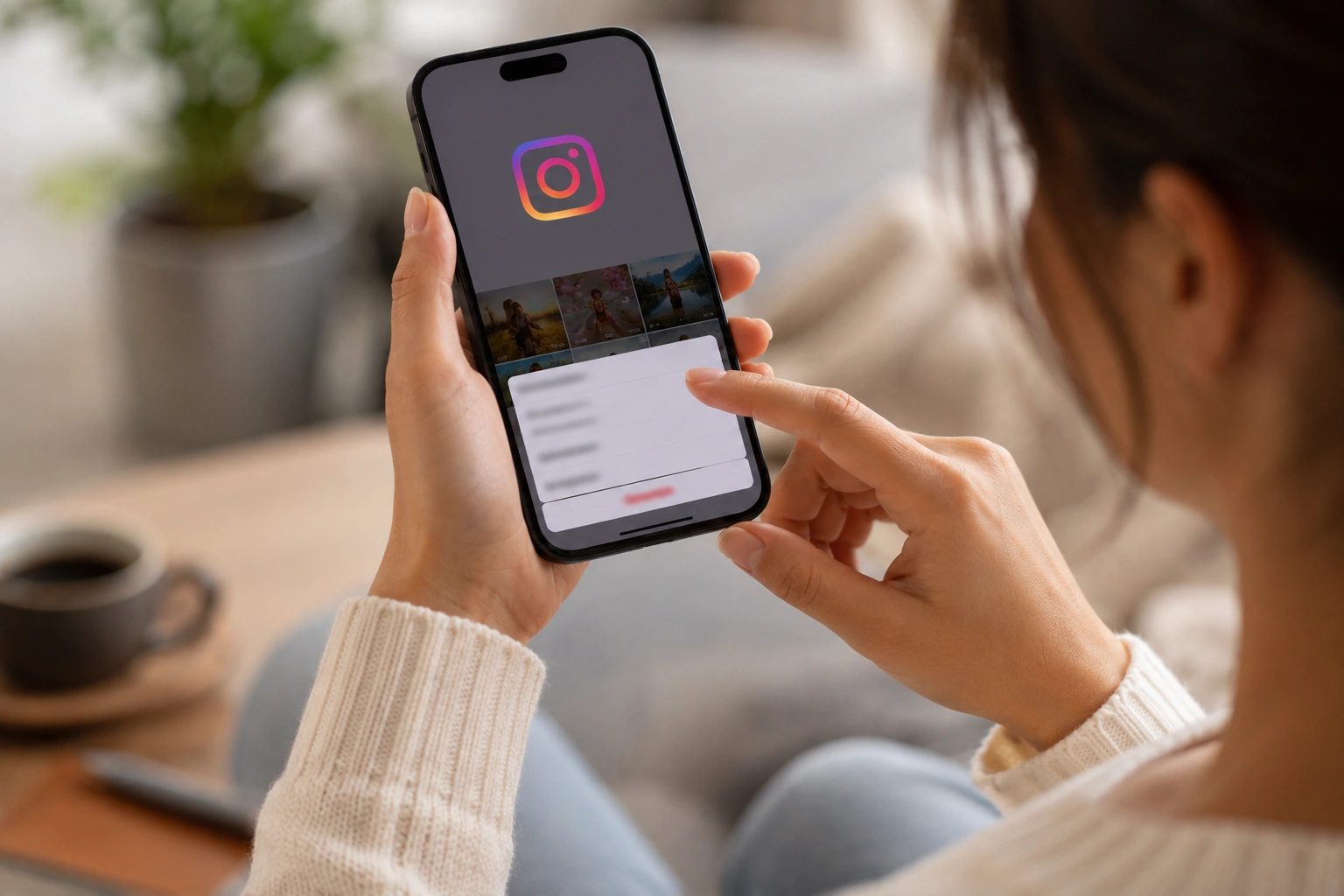

Meta recently launched “Instants” on Instagram, a tool designed for sharing raw, disappearing snapshots in real time. While the company markets the format as a way to capture authentic life moments, the feature has triggered immediate backlash from users struggling with its automated mechanics.
Accessing the tool via the photo stack icon in the inbox triggers a brief summary of the service. It notes that “Instants” vanish, lack public view lists, and keep reactions private, followed by a quick tutorial on how to interact with the new interface.
The camera interface features a prominent shutter button with an audience toggle located directly beneath it. By default, the app is set to share content with a user’s entire “Friends” list rather than a more restricted group.
Meta provides no explicit warning that pressing the shutter button triggers an immediate broadcast of the image. Unless the “Close Friends” filter is manually selected before the photo is taken, the content is live the moment the user taps the screen.
This design has led many to accidentally share images with unintended audiences across the platform. While an “Undo” button appears briefly after a shot is fired, users often miss the option during the panic of a sudden privacy slip.
For users accustomed to the carefully curated nature of the social network, a “tap – to – send” system feels like a significant risk. The absence of a preview stage before publication remains a major point of contention for those protective of their digital footprint.
Consequently, a growing number of people are looking for ways to opt out of the experience entirely. Below is a guide on how to deactivate the feature or retract a mistakenly shared snapshot.
Disabling the Instants feature
To turn the feature off, navigate to your profile settings via the three – line menu in the upper right corner. Scroll down to “Content Preferences” and activate the “Hide Instants in Inbox” toggle to remove the tool.
Once this setting is enabled, the Instants icon will vanish from your direct message hub. You will also stop receiving snapshots sent by other accounts on the platform.
For those seeking a less permanent solution, a gesture shortcut is available. You can press and hold the Instants stack in your inbox and swipe right to temporarily stop receiving these messages.
Revoking a sent snapshot
If a snap is sent by mistake, look for the “Undo” button that manifests directly beneath the shutter icon. This provides a very narrow window to delete the photo before it lands in a recipient’s feed.
You can also intervene via your archive by tapping the four – square icon in the upper right of the camera. Deleting the snapshot from this menu will revoke access for any friends who have not yet opened the file.