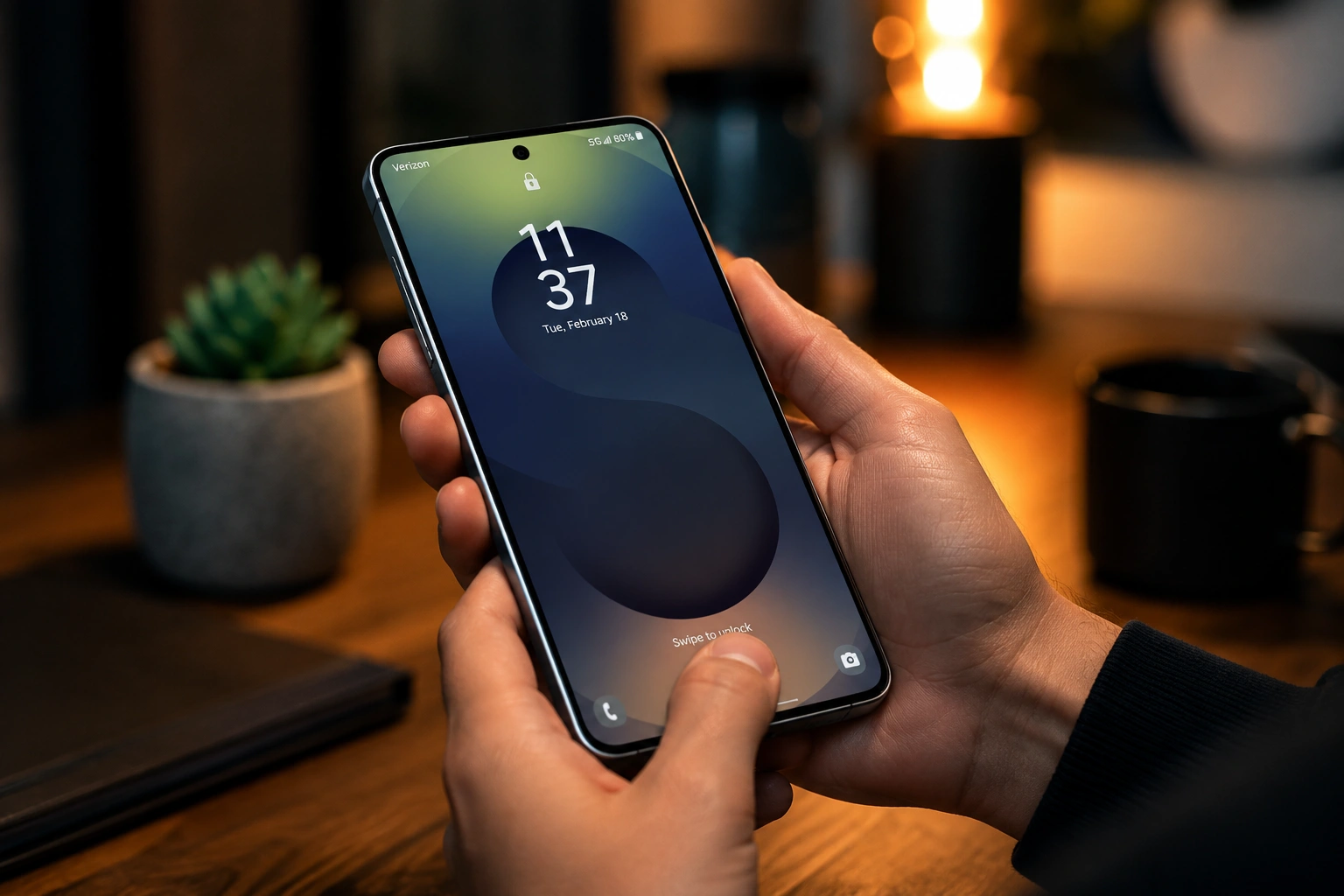

Samsung is significantly tightening lock screen security in its One UI 9.0 update. The new measure restricts device unlock attempts to neutralize brute – force passcode attacks and protect personal information.
Under the updated policy, five incorrect attempts trigger a one – minute lock. Delays escalate sharply with further errors: six attempts cause a five – minute wait, seven take 15 minutes, eight take 30 minutes, nine require 1.5 hours, 10 require four hours, 11 take 12 hours, and 12 errors block access for 24 hours. A 13th consecutive failure triggers a permanent lockout, requiring a full factory reset that wipes all local data.
To avoid accidental lockouts, Samsung introduced a smart counting feature. Entering the exact same wrong PIN, pattern, or password twice in a row counts as one error. Only unique incorrect inputs advance the counter, while system alerts notify users as they near the critical threshold.
The rules also affect people relying on biometric security. Because Android requires a backup PIN, password, or pattern at least once every 72 hours, fingerprint and face recognition users remain subject to the lock counter.
Samsung emphasized that it cannot remotely recover or change forgotten credentials. A full factory reset is the only recourse. Afterward, Factory Reset Protection requires sign – in through previously registered Samsung and Google accounts to reactivate the device.
To prevent losing essential files during a forced reset, Samsung advises users to maintain regular backups via Smart Switch or cloud services.
The manufacturer explained that this policy belongs to a broader strategy aimed at enhancing mobile data protection and impeding unauthorized access.