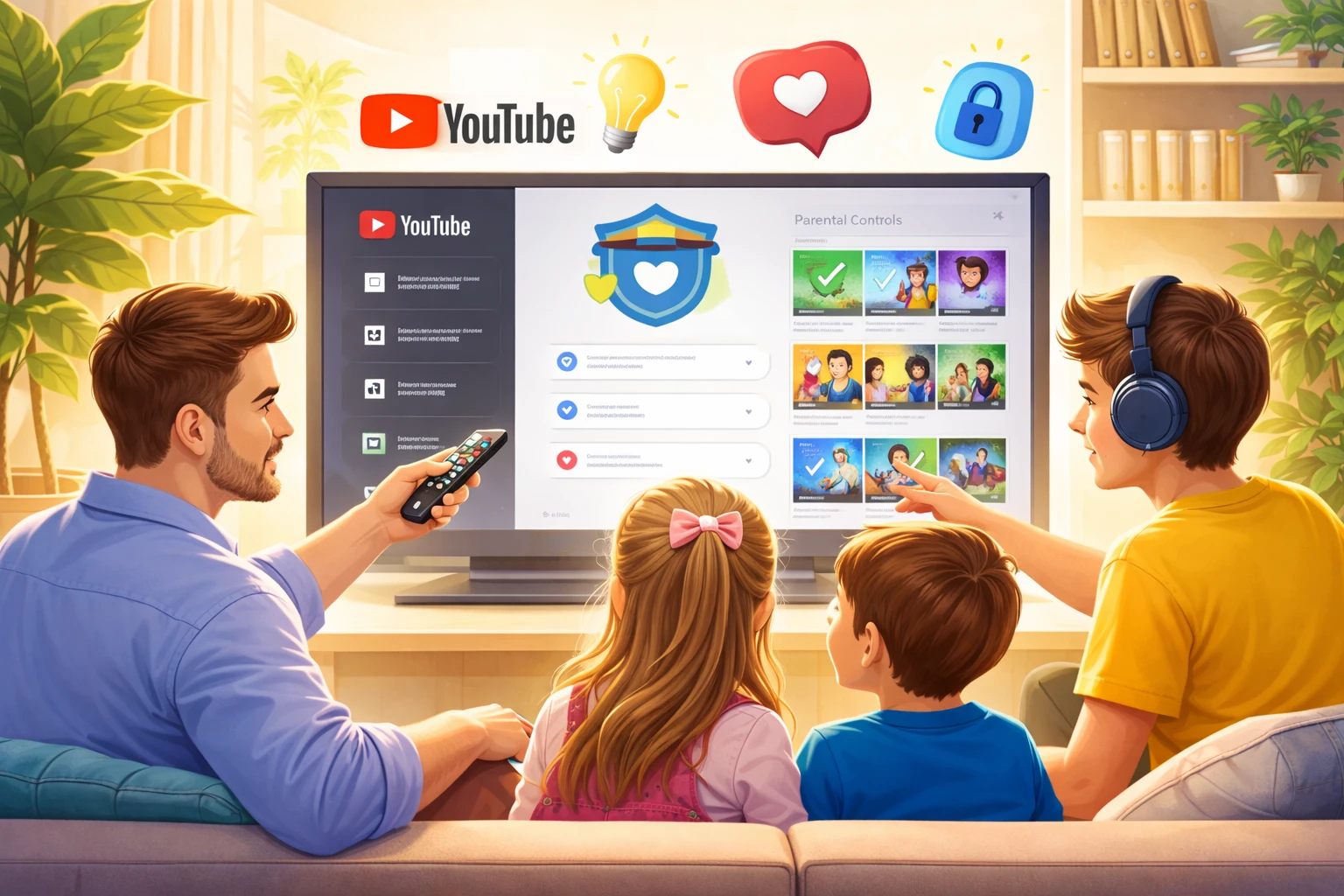

YouTube has introduced a new time – limit feature for Shorts, allowing parents to manage daily viewing habits for their children. The platform has also simplified the supervised account creation process to make digital oversight more accessible for families everywhere.
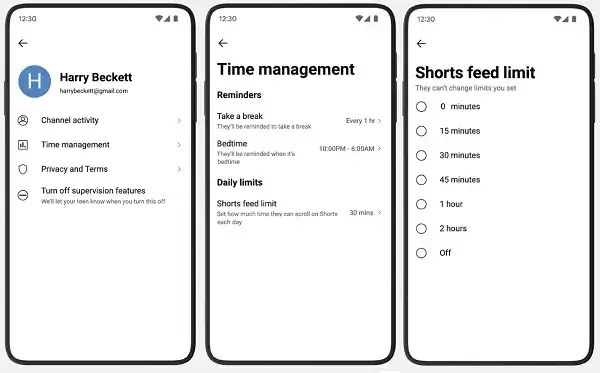
Building on parental controls added in January, guardians can now set variable daily limits for the Shorts feed. A new “zero” setting allows parents to deactivate the vertical video feed entirely for their child’s profile.
The platform stated that these granular controls help ensure kids do not waste time scrolling when they should be focusing on homework. By selecting the “zero” option, parents can guarantee the feed remains inaccessible during designated study periods.
While similar time management settings existed previously, this broader rollout specifically targets the highly engaging Shorts interface. It reflects an ongoing effort to help young users manage their interaction with the platform’s most popular formats.
Supervised accounts are now much easier to set up directly within the app. Parents can choose age – appropriate content filters and configure safety settings in just a few steps to match their family values.
These features provide a robust toolkit to monitor digital habits and prevent the risks of “doom – scrolling.” The primary goal is to give parents better control over their child’s time and attention while using the application.
Beyond these technical updates, YouTube shared expert tips for fostering mindful internet use. These guidelines are designed to help parents protect their children within the digital world rather than isolating them from it.
Amid global discussions regarding social media bans for minors, the platform prioritizes safety through education and mentorship. Dr. Garth Graham, the Global Head of Health at YouTube, offered the following core recommendations for families:
- Talk Openly – Make it a habit to regularly discuss online experiences and the specific creators your teenager finds interesting.
- Watch Together – Explore content with your teen to understand their interests and ask curious questions about what they enjoy.
- Use Tools – Set clear boundaries with YouTube’s internal controls – such as Shorts duration limits and bedtime reminders – to form healthy habits.
- Balance Life – Encourage a healthy equilibrium between online time and physical activities, hobbies, or face – to – face socialization.
- Be Mindful – Guide teenagers toward high – quality, educational content that expands their horizons and supports their personal growth.
These educational notes and technical tools help families mitigate the negative effects of internet usage. The strategy focuses on providing guidance and oversight rather than simply restricting access to the digital environment.